

Install the KitaHQ Chrome Extension
Follow these simple steps to install the KitaHQ Chrome Extension and start sourcing candidates in one click.1
Visit the Chrome Web Store and click Add to Chrome.
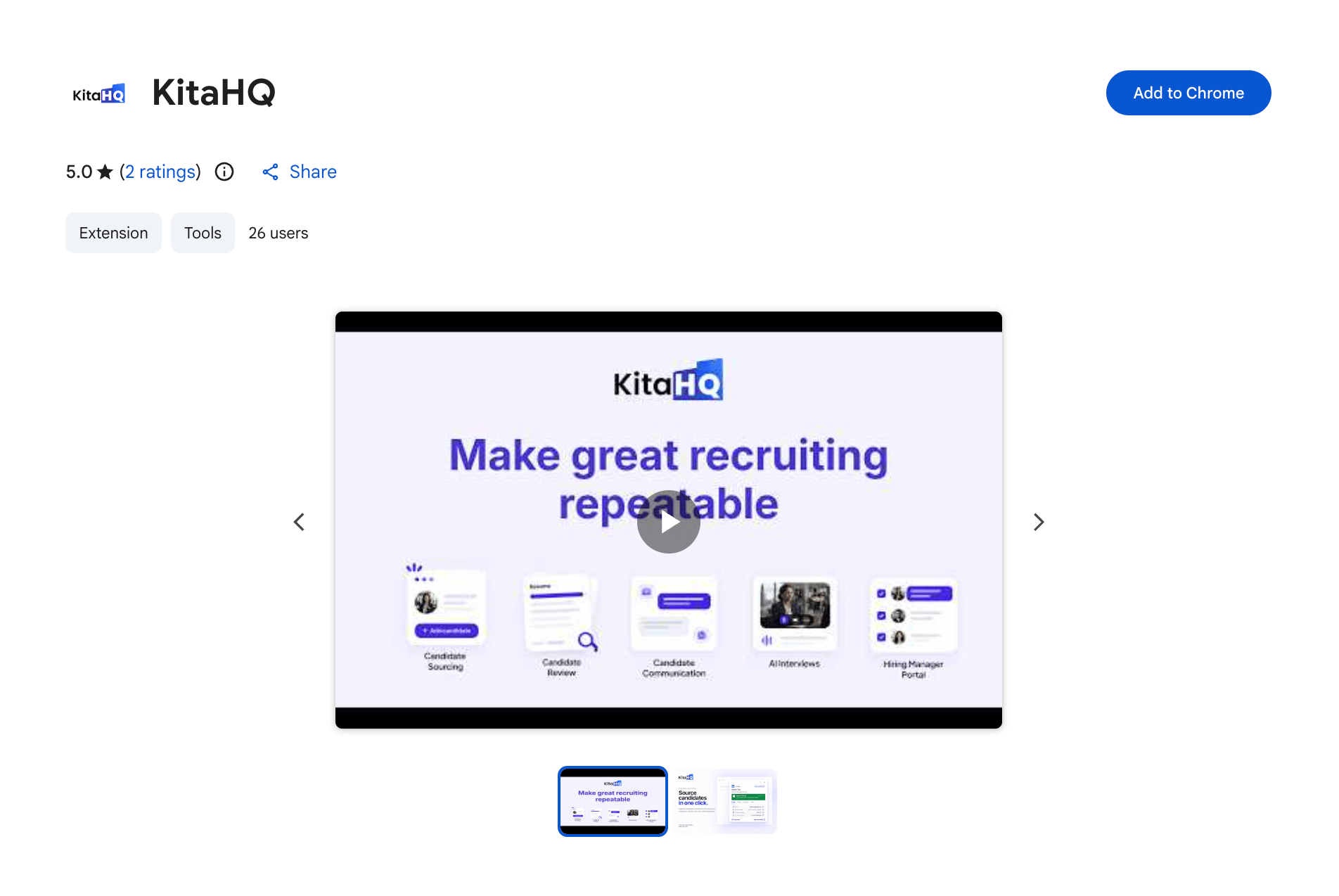
2
Click Add Extension to confirm the installation.
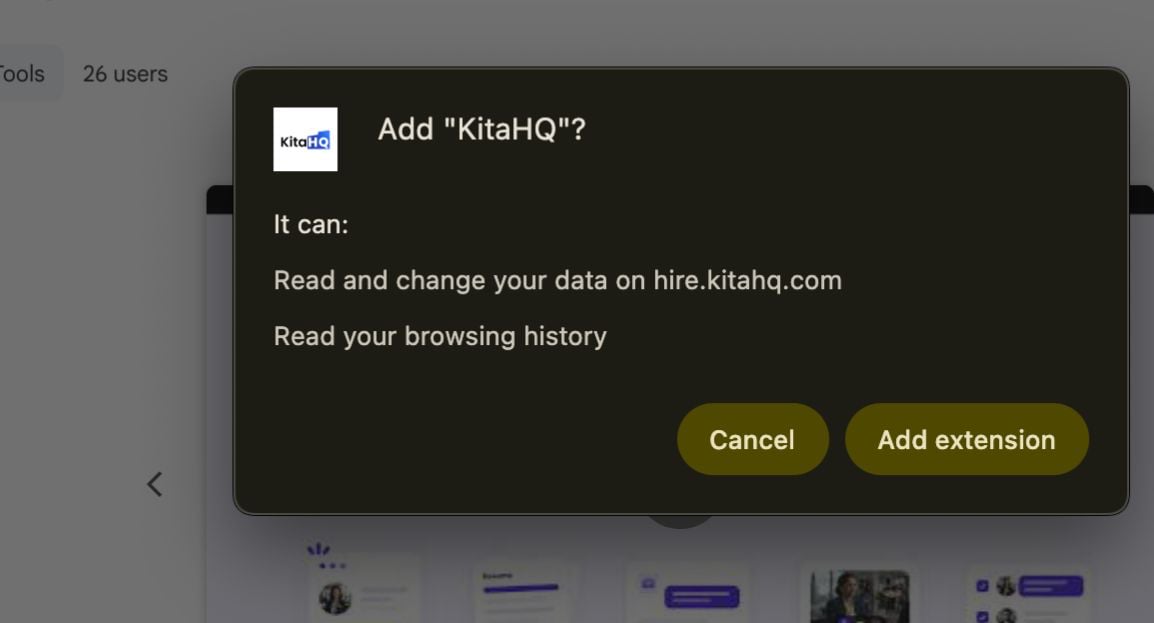
3
Click the Extensions icon in the top-right corner of your Chrome browser and select KitaHQ.

4
Sign in using your KitaHQ account credentials (email and password).
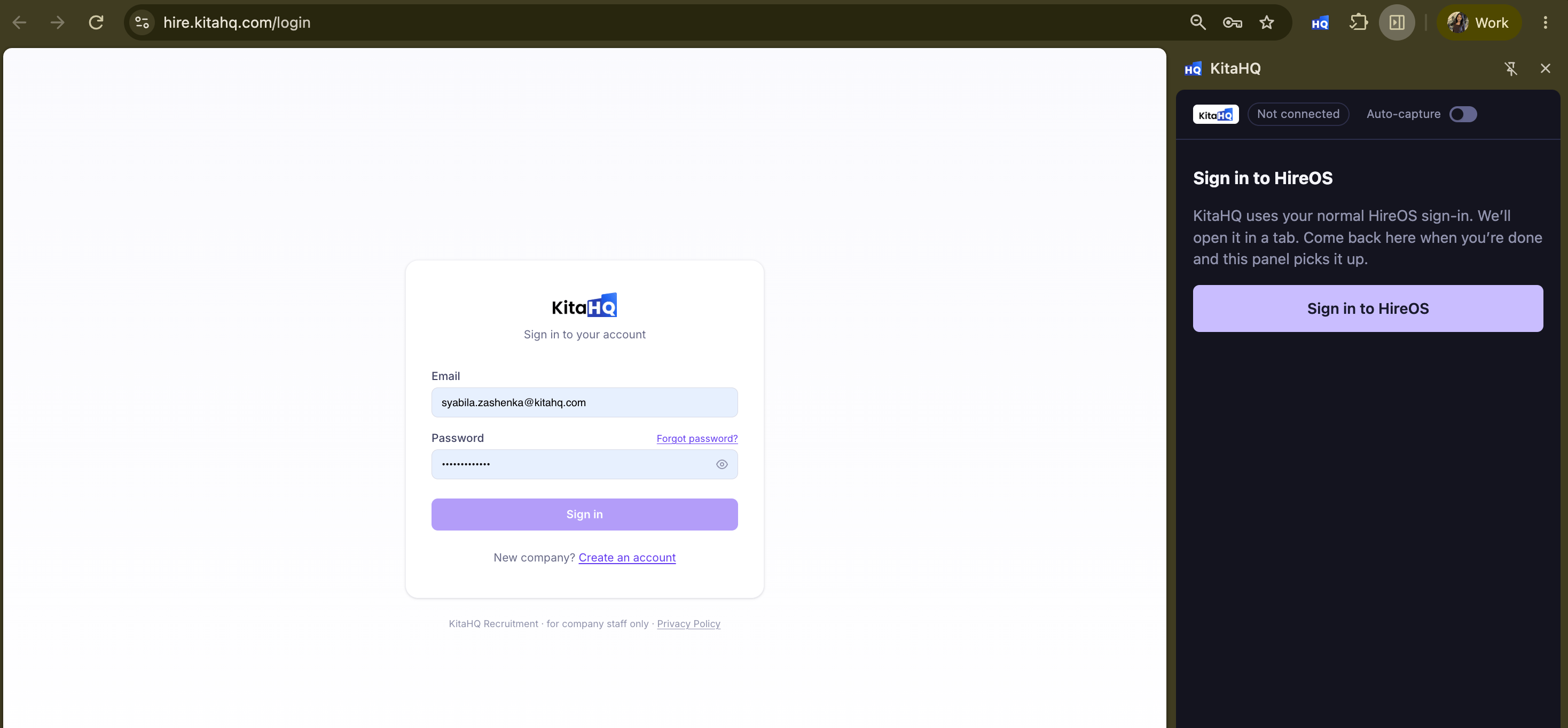
5
Click Allow & enable to grant the required permissions and enable auto-capture.
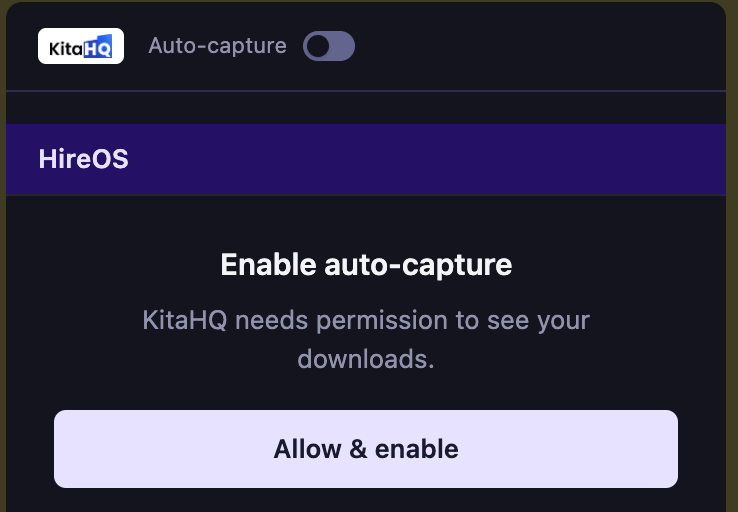
6
You're all set! Start capturing candidates from LinkedIn and other supported platforms directly into your KitaHQ hiring pipeline.
Supported Sourcing Platforms
Find and capture more candidates faster with the KitaHQ Chrome Extension. Source from LinkedIn and 10+ platforms in one click, without manual data entry.| Platform | Website |
|---|---|
| https://www.linkedin.com | |
| LinkedIn Recruiter | https://www.linkedin.com/talent/ |
| KitaLulus | https://www.kitalulus.com |
| MyCareersFuture | https://www.mycareersfuture.gov.sg |
| SEEK | https://www.seek.com.au |
| JobStreet | https://www.jobstreet.com |
| JobsDB | https://www.jobsdb.com |
| Glints | https://glints.com |
| FastJobs | https://www.fastjobs.sg |
| Indeed | https://www.indeed.com |
| Hiredly | https://my.hiredly.com |
| CTgoodjobs | https://www.ctgoodjobs.hk |
| Pintarnya | https://pintarnya.com |
| Dealls | https://dealls.com |
| Kalibrr | https://www.kalibrr.com |
| Bossjob | https://bossjob.com |
| Cake | https://www.cake.me |
Additional Platforms (Permission Required)
These platforms are marked Ask First in KitaHQ.| Platform | Website |
|---|---|
| Gmail | https://mail.google.com |
| Outlook | https://outlook.live.com |
| Yahoo Mail | https://mail.yahoo.com |