
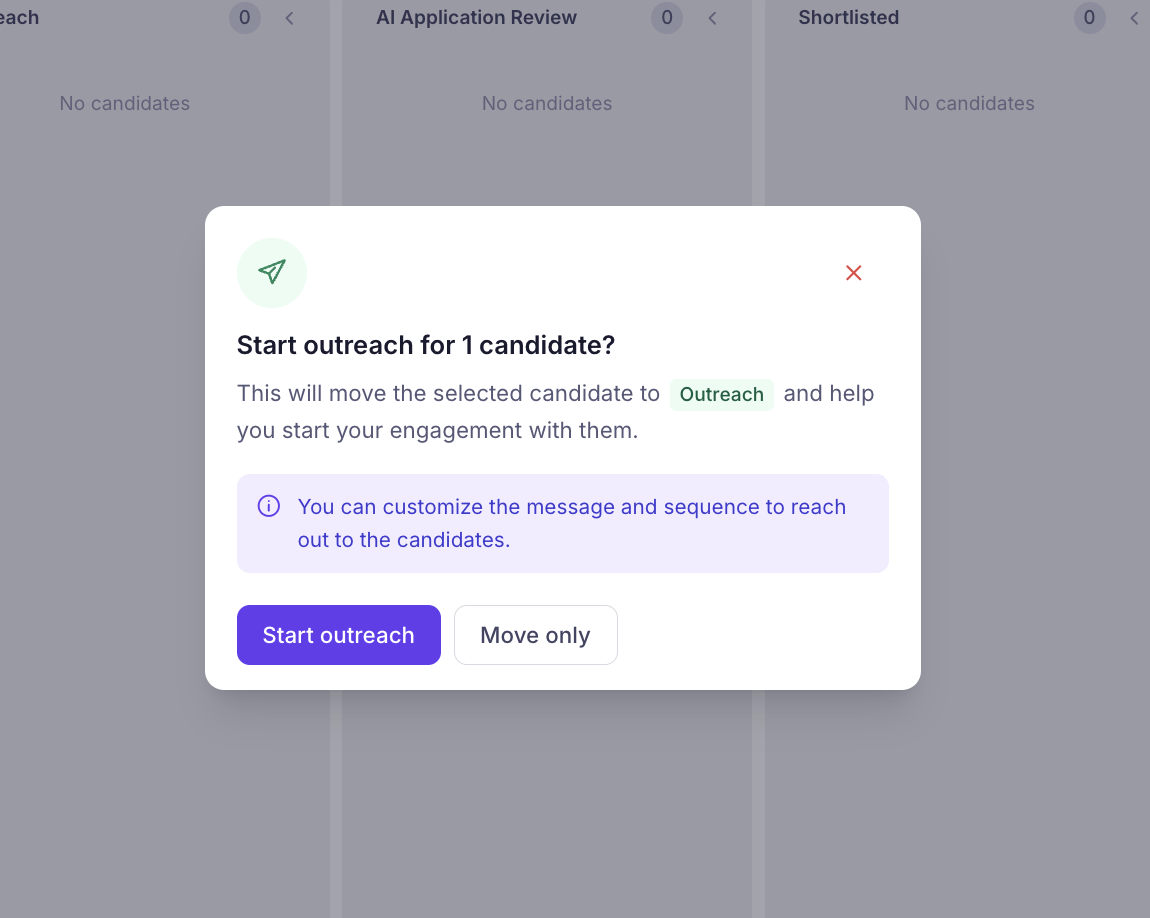
1
Move the candidate to Outreach Drag the candidate card to the Outreach stage in the pipeline, then click Start outreach.
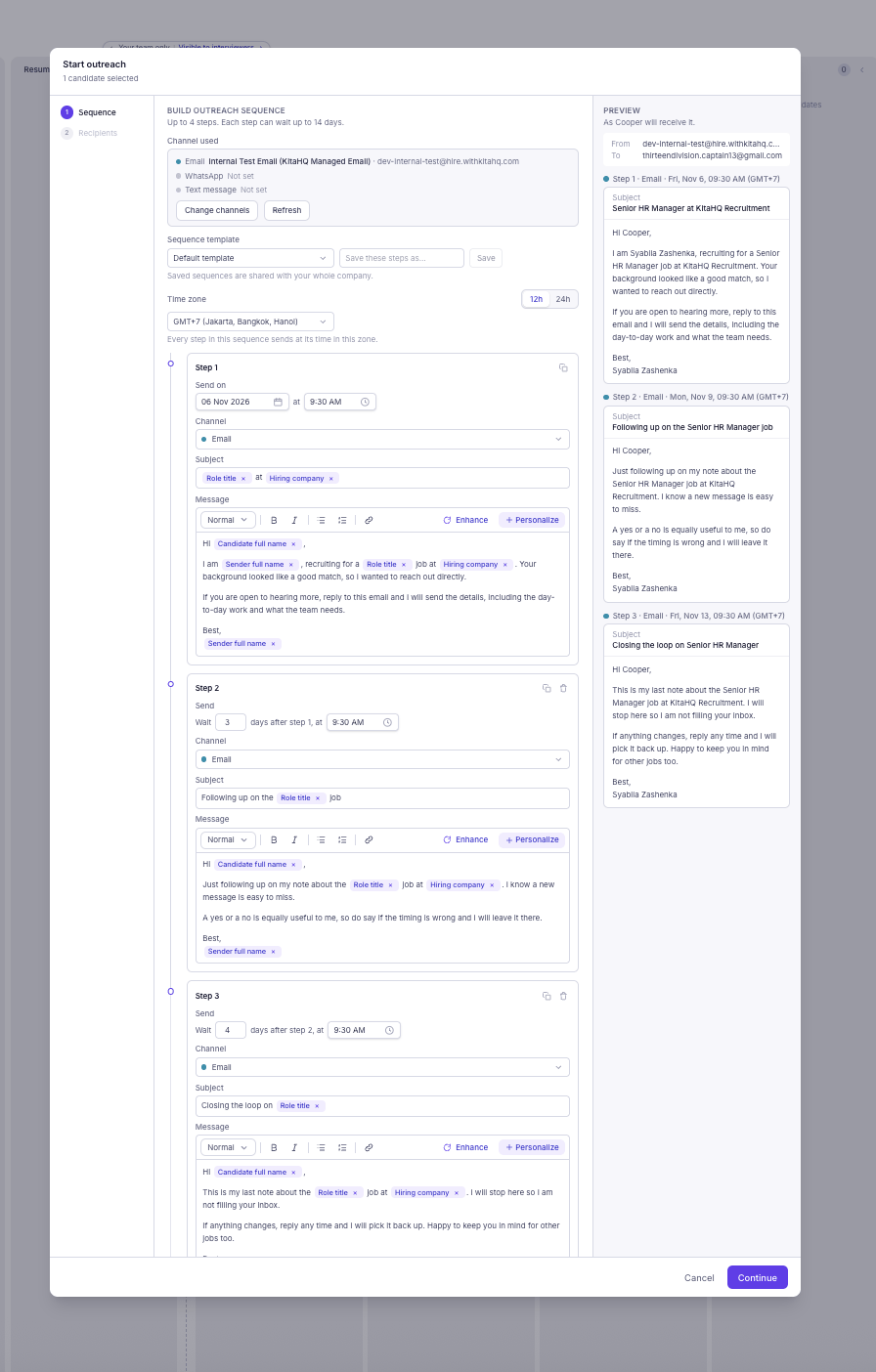
2
Choose your communication channel (Email, WhatsApp, or SMS) and select an existing sequence template or create your own. Set the time zone, schedule the first message, and configure follow-up intervals for each step.
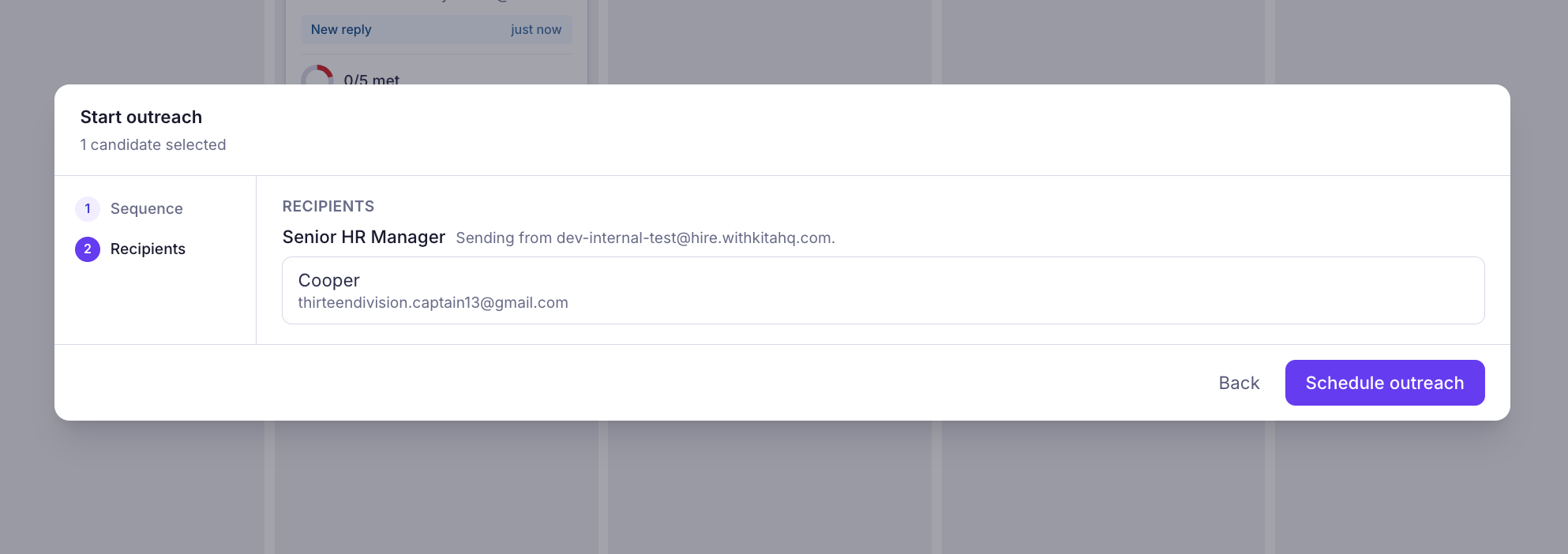
3
Review the selected candidates and their contact details to ensure your messages reach the right recipients. Once everything looks good, click Schedule outreach to activate your outreach sequence and send messages according to your configured schedule.