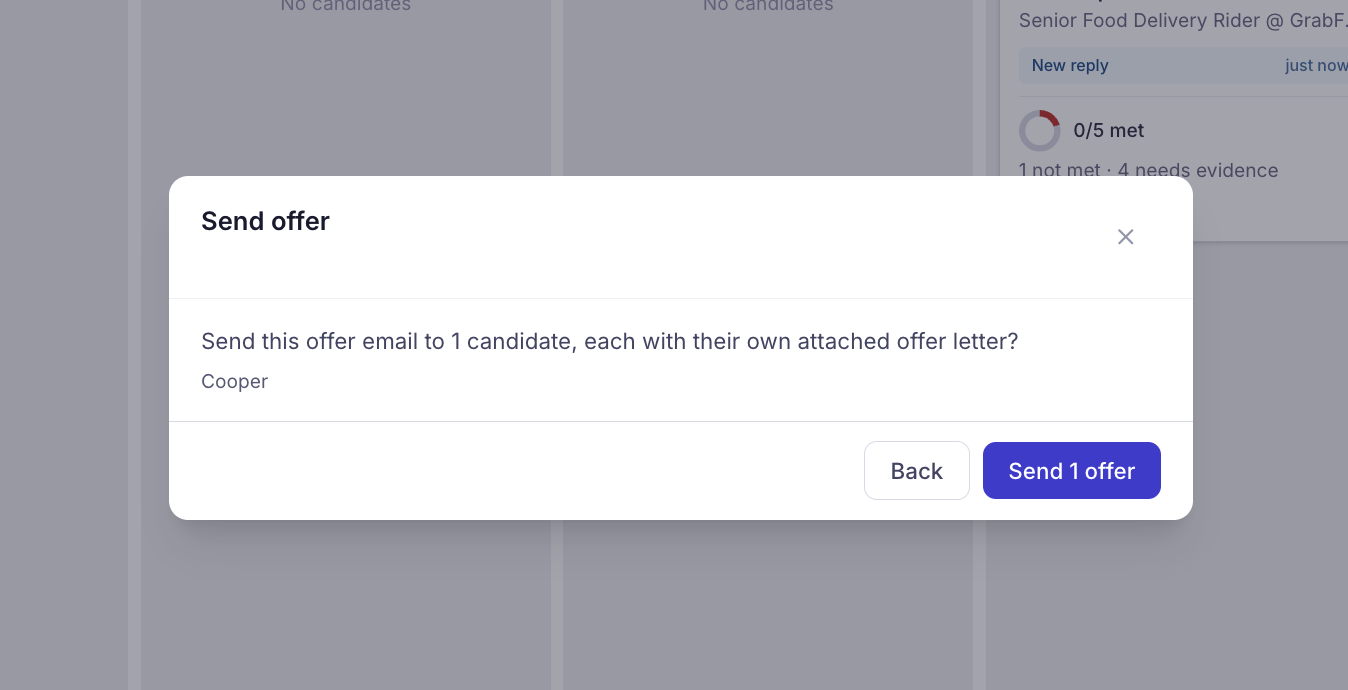

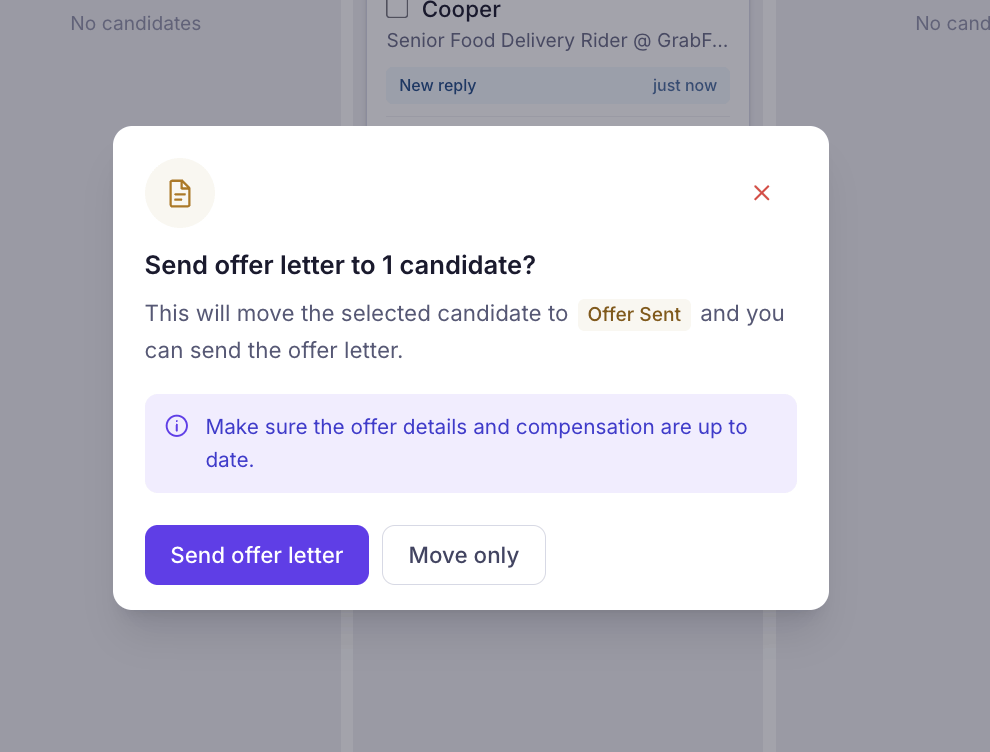
Drag the candidate card to the Offer Sent stage in your hiring pipeline, then click Send offer letter.
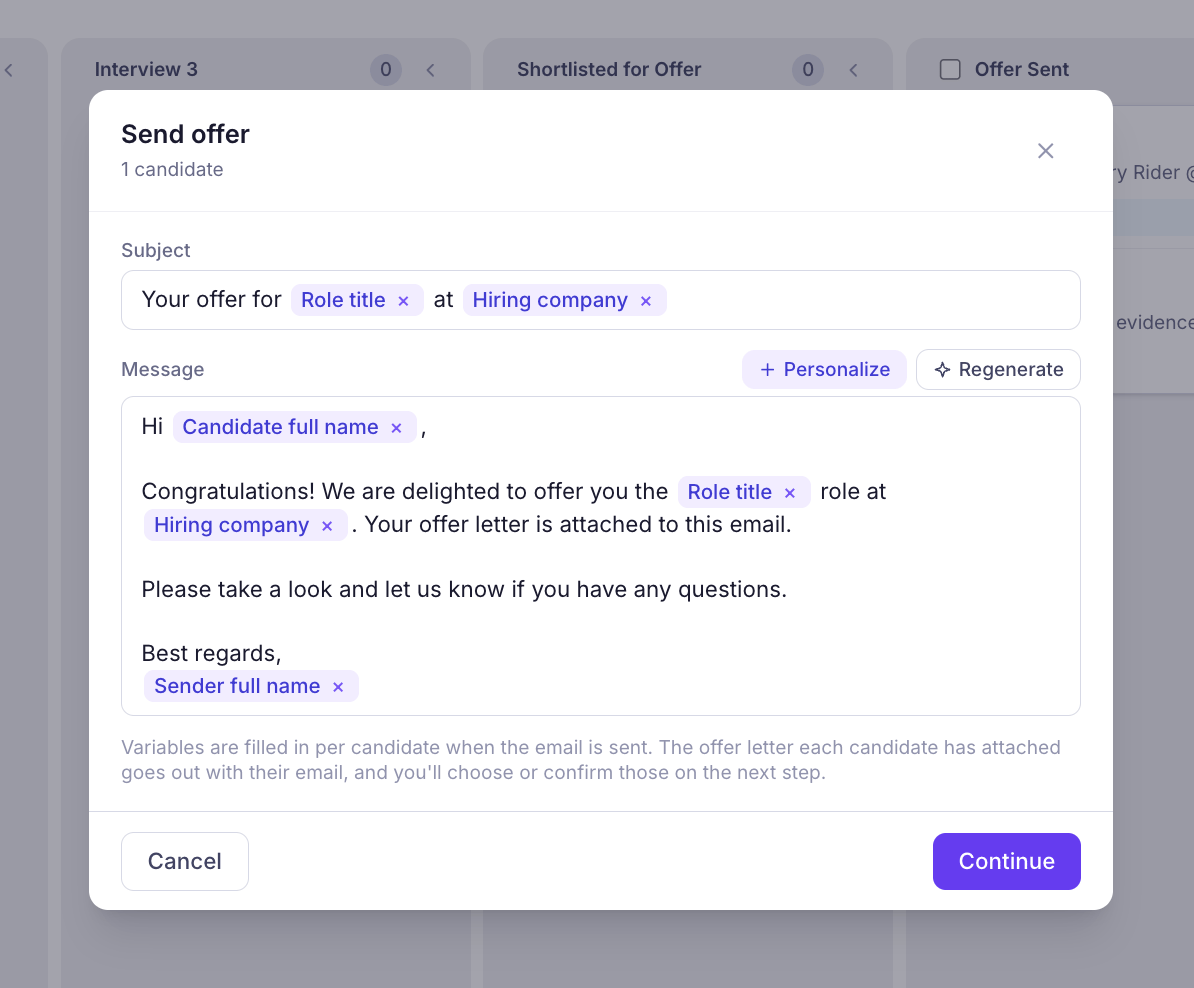
Review and customize the offer email, including the subject line and message. Use dynamic fields such as candidate name, job title, and hiring company to personalize each email automatically. You can also click Personalize or Regenerate to refine the message with AI. Once everything looks good, click Continue to proceed to the offer letter attachment.
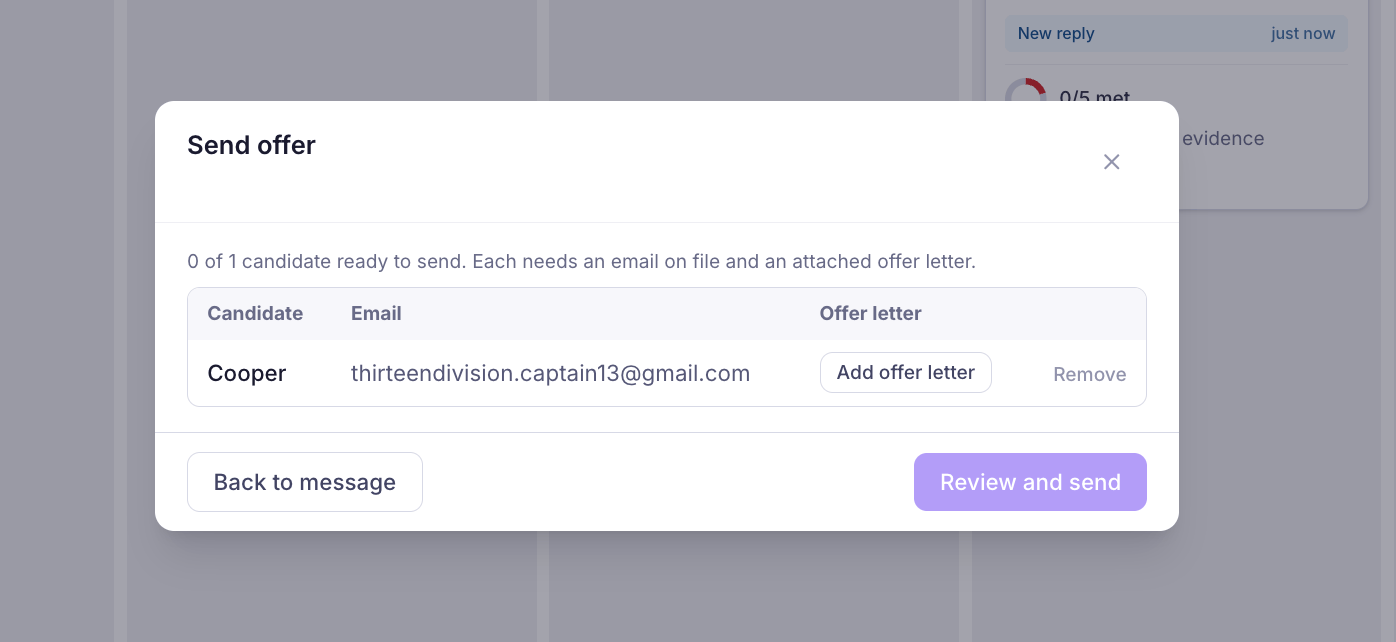
Review the selected candidates and confirm that each has a valid email address. Click Add offer letter to attach the appropriate document for each candidate.
Review the final confirmation, including the selected candidates and their attached offer letters. Once everything is correct, click Send offer to email each candidate their personalized offer message and offer letter.