

1
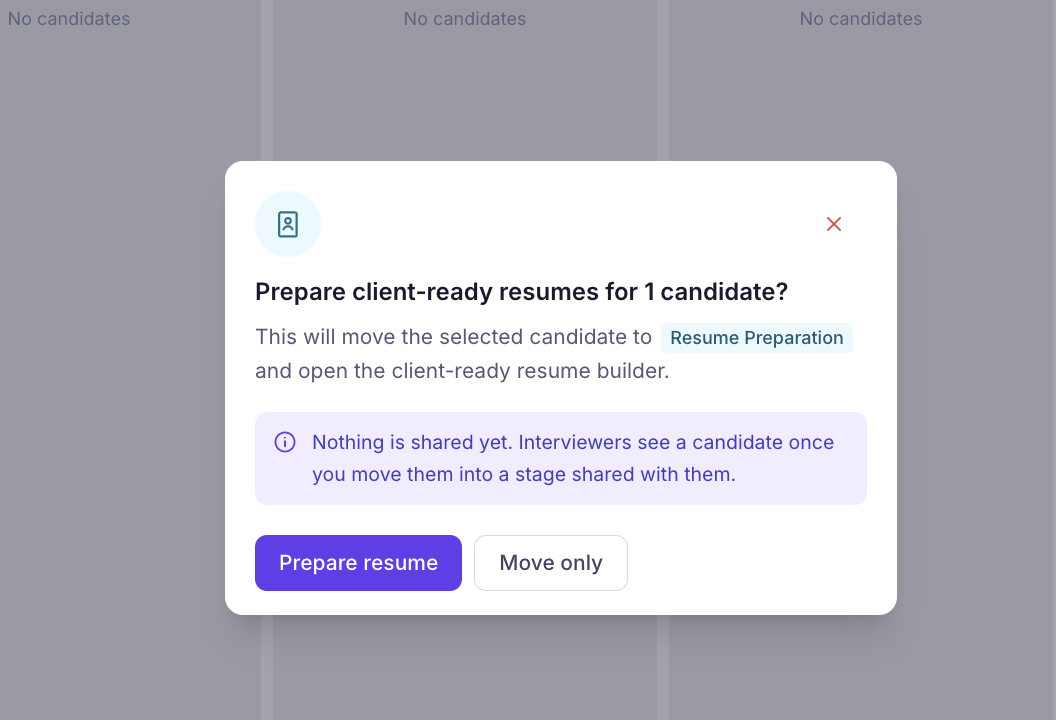
In your hiring pipeline, drag the candidate card to the Resume Preparation stage, then click Prepare resume to open the client-ready resume builder.
2
Customize your client-ready resume
Choose how you want KitaHQ to prepare the resume: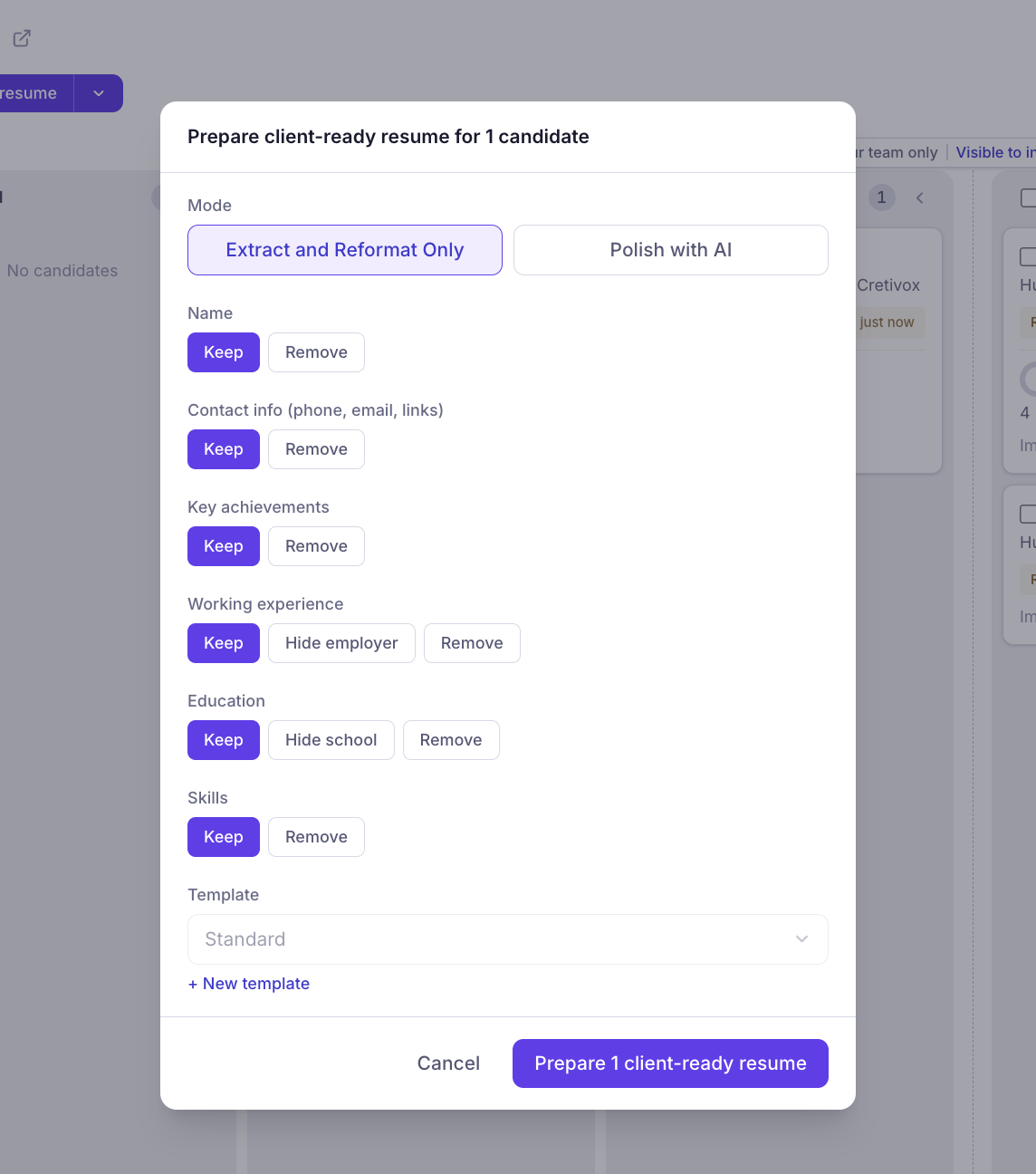
- Extract and Reformat Only: Extract information from the original CV and organize it into a consistent, professional format without rewriting the content.
- Polish with AI: Use AI to refine the wording, improve clarity, and structure the resume for a more polished presentation while preserving the candidate’s original qualifications and experience.
3
Once generated, your client-ready resume will appear alongside the candidate's profile. Review the formatted content, including the professional summary, key achievements, work experience, education, and skills.