

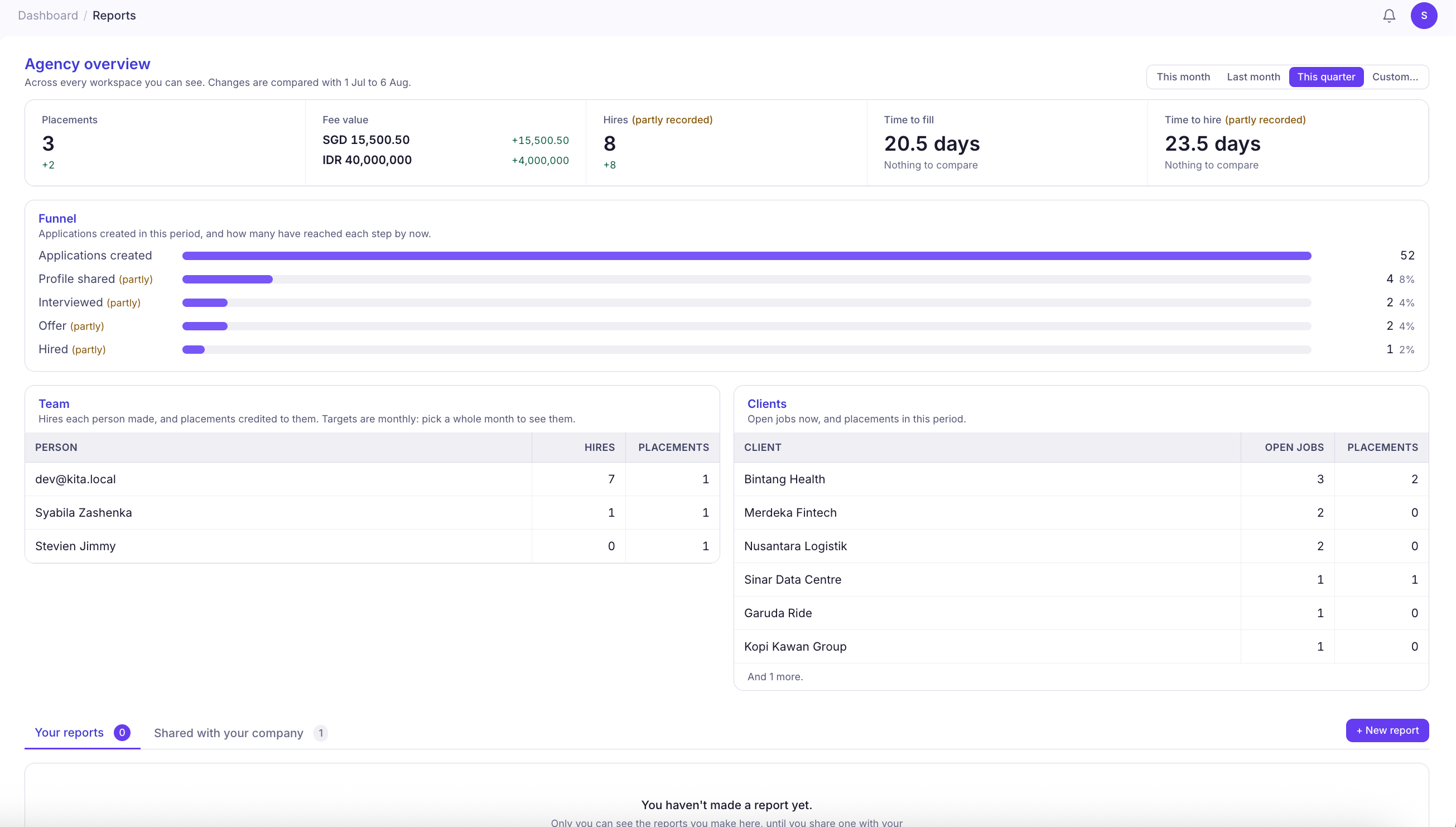
Create a New Report
- Navigate to Reports from the left sidebar under Tools.
- Click New Report to open the report creation window.
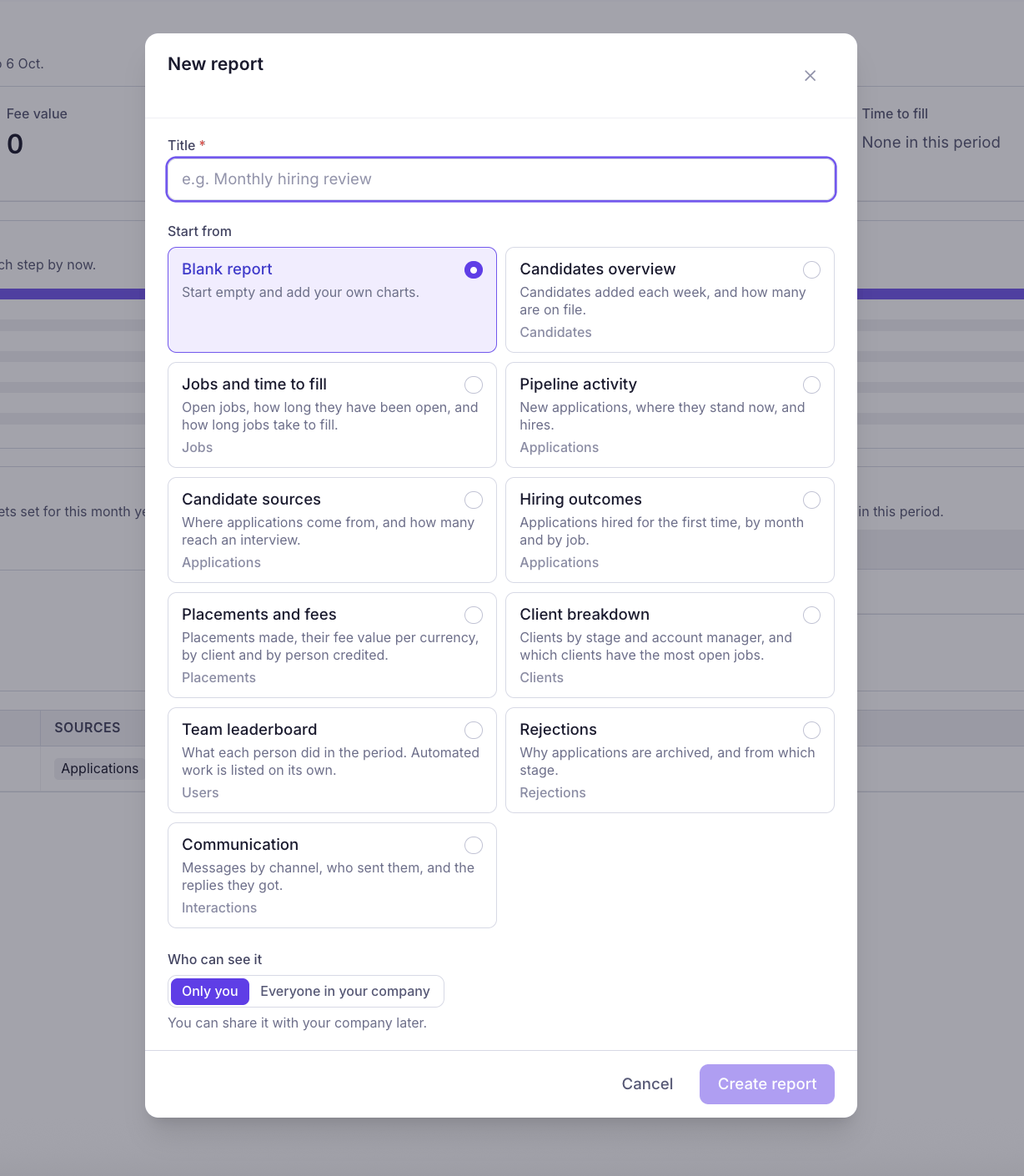
- Enter a title for your report, such as “Monthly Hiring Review.”
- Choose whether to start with a blank report or an existing template.
- Select who can view your report.
- Click Create Report to continue.
Choose a Report Template
KitaHQ provides ready-made templates to help you get started without building every chart from scratch.| Template | What It Shows |
|---|---|
| Blank Report | Start from scratch and add your own charts. |
| Candidates Overview | Candidates added each week and the total number in your database. |
| Jobs and Time to Fill | Open jobs, how long they’ve been open, and how long it takes to fill them. |
| Pipeline Activity | New applications, their current stages, and completed hires. |
| Candidate Sources | Where applications come from and how many progress to interviews. |
| Hiring Outcomes | Applications hired for the first time, grouped by month and job. |
| Placements and Fees | Placements made and their fee values, broken down by client and team member. |
| Client Breakdown | Clients by stage and account manager, including those with the most open jobs. |
| Team Leaderboard | Individual team activity and contributions during a selected period. |
| Rejections | Why applications are archived and which stages they were archived from. |
| Communication | Messages by channel, sender, and replies received. |
Set Report Visibility
Before creating your report, choose who can access it:- Only You: Keep the report private and visible only to your account.
- Everyone in Your Company: Make the report accessible to other members of your workspace.